 Get Listed
Sign In


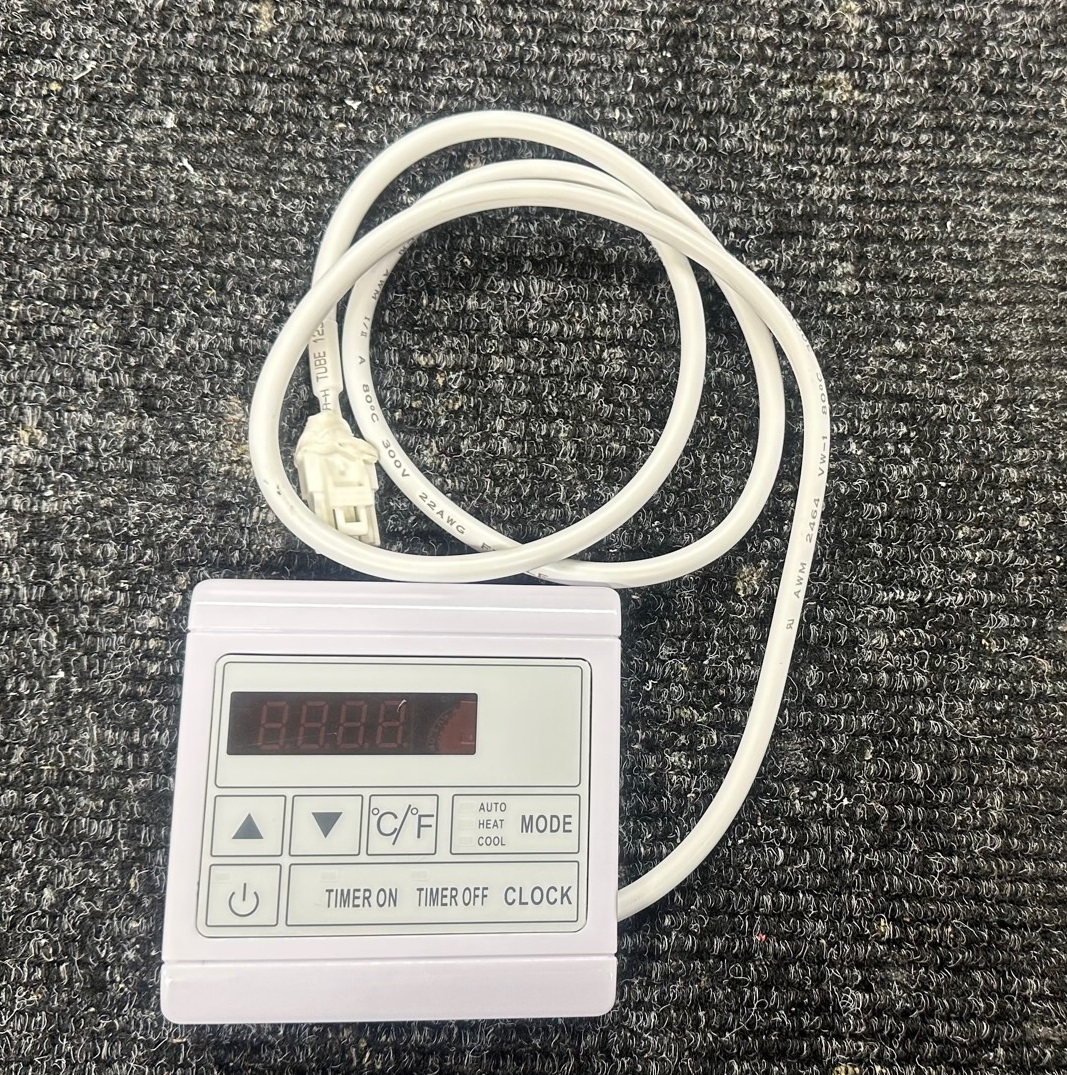
Duratech Display DISP-DURA-041 Update May 2023: the DISP-DURA-041 replaces the DISP-DURA-025 which is now end of life Please note that this replacement display does not have a spanner buttonyou can access and change the parameters as follows:- DISP-DURA-041 In the main interface, long press the "Mode" for 10 seconds to enter the password setting screen, and then input the password "66" to enter the parameter setting screen. At this time, the screen shows the parameter category.(E/F/r) Press the "Up" or "Down" button to select between the various parameter groups. Short press the "Mode" to enter the selected parameter group. Press "Up" or "Down" to change the parameter number. (e.g.d01) Short press the "Mode", the screen shows the parameter value of the parameter and flashes. (S/t/O does not flash) Press the "Up" or "Down" key to increase or decrease the parameter value separately. Short press the "mode" to return to step 4 and store the set parameter value. DISP-DURA-041 new user manual https://heatpumps4pools.com/myfiles/file/DISP-DURA-041-Instructions.pdf
For more information on Duratech Display DISP-DURA-041 talk to HeatPumps4Pools Ltd
More products
List your company on FindTheNeedle.